
The single USB-C port on the bottom of a Nintendo Switch does everything — charging, docking and video out — so when it plays up you notice fast: the battery won't fill, the charger only works at one angle, or the console won't show on the TV when it's docked.
First suspect: pocket lint
The Switch port is a magnet for pocket fluff and dust, which packs into the end of the socket and stops the connector seating fully. If the cable feels like it doesn't click in all the way, or charging only works when you press the plug in a certain direction, a careful clean-out often fixes it completely — no parts needed.
When the port itself is damaged
- Bent or broken centre blade — the thin strip of contacts inside the port can snap if a plug goes in at an angle or upside-down.
- The port is loose or lifting — dropped while charging, or docked roughly, and the socket has partly torn away from the board.
- Corrosion — from a spill, condensation or damp storage.
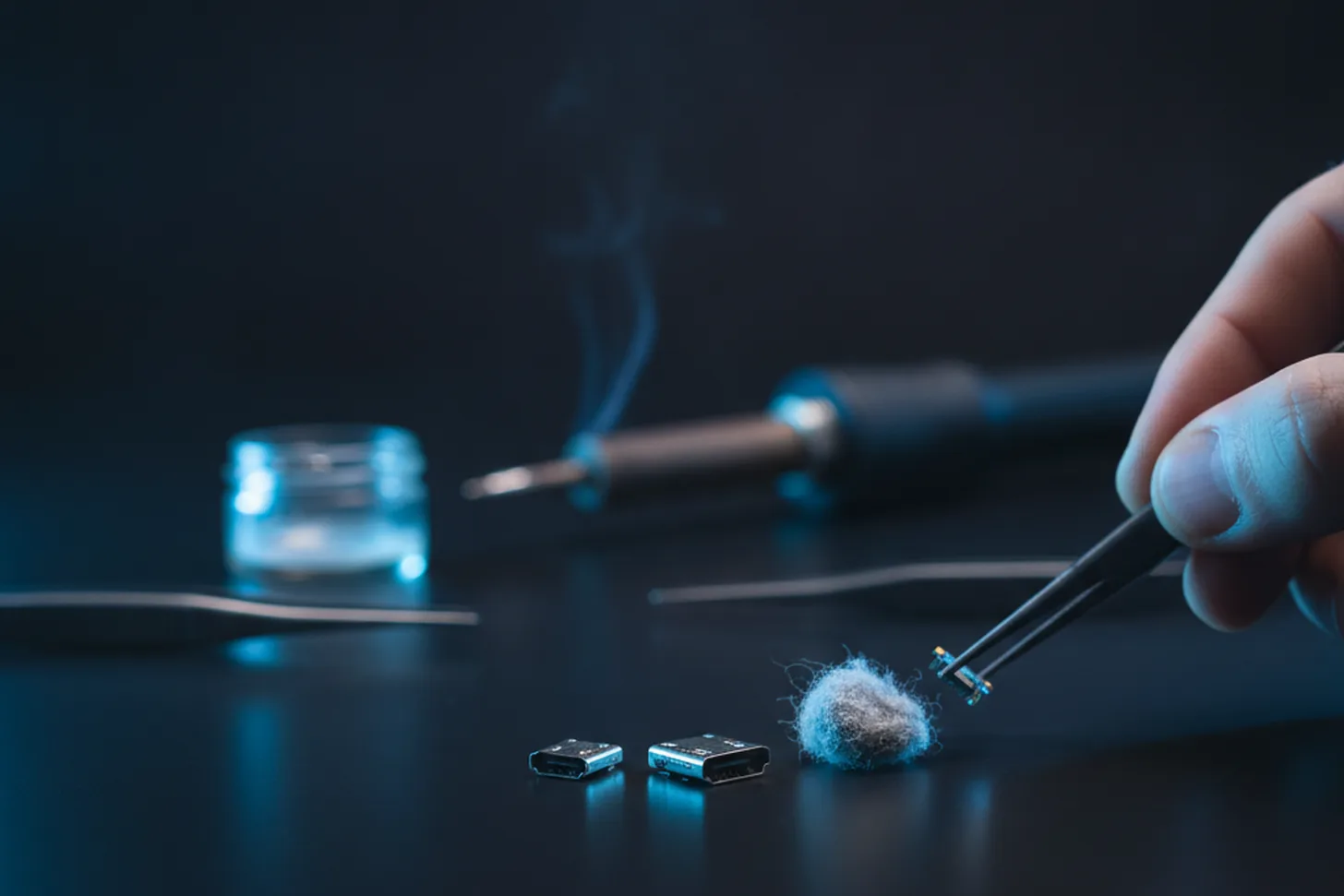
Any of those means the port needs replacing. It's soldered to a small daughterboard on most Switch models, which makes it a tidy board-level repair.
Not always the port
A Switch that charges fine handheld but won't output to the TV can also be a dock fault (the dock's own board or cable), or a damaged video-out chip. And a battery that's simply worn out after years will hold less and less charge — worth ruling in or out. I'll check the whole charging path, not just the obvious bit.
Book a repair or get in touch — tell me whether it's charging, docking or both, and I'll give you a fixed quote after a look.
Need a hand with this?
I'm based in Newtownards and cover North Down & the Ards Peninsula — with a clear, fixed quote before any work begins.
Book a Repair Get in Touch