
Most repairs don't put your files at risk, but backing up first is always a sensible habit — and it gives you real peace of mind. Here's a simple way to do it.
What to back up
- Photos and videos
- Documents, spreadsheets and PDFs
- Browser bookmarks and saved passwords
- Anything in your Desktop and Downloads folders
- Email, if it's stored locally rather than online
The easiest ways to do it
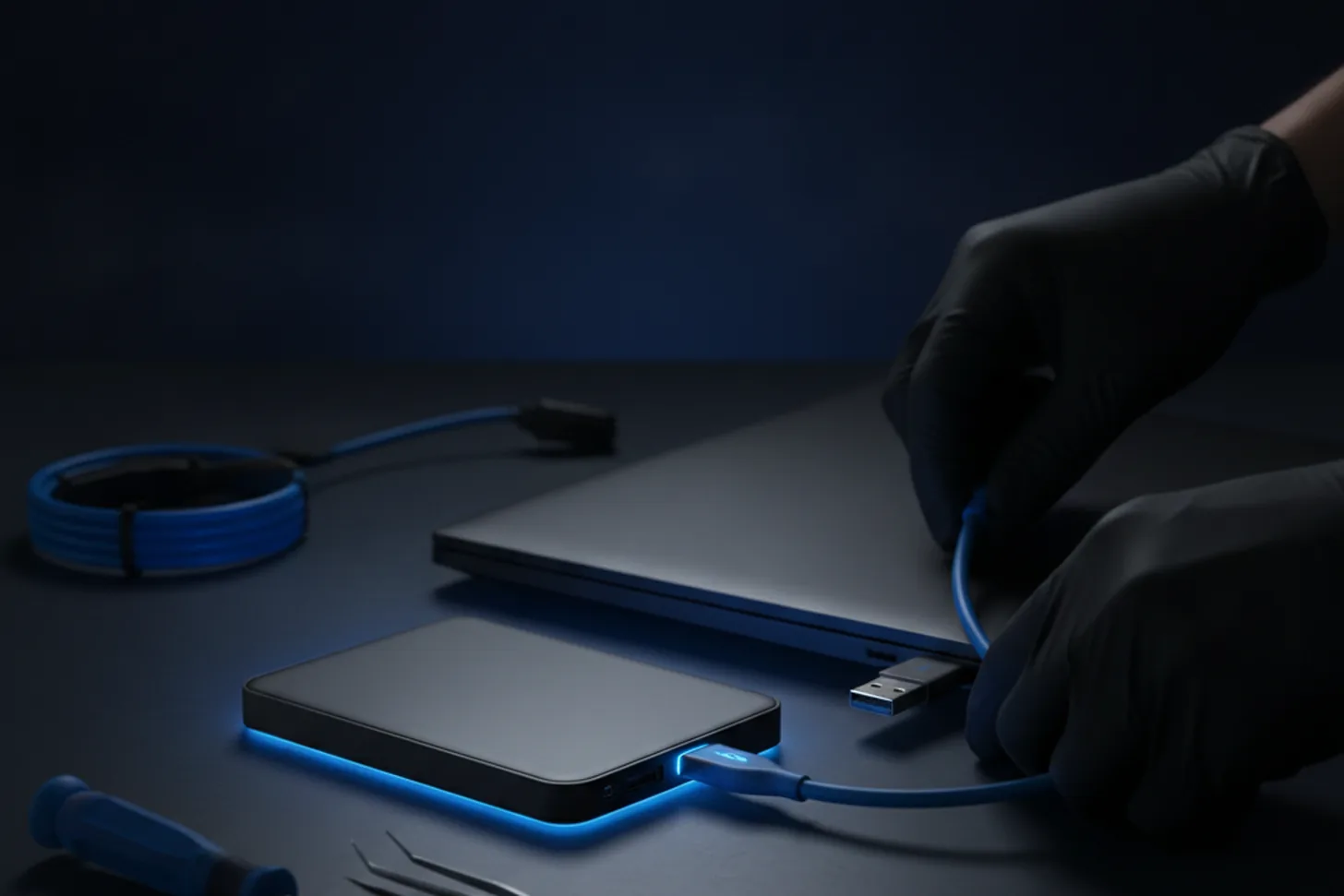
- An external hard drive or USB stick — copy your important folders across. Quick, cheap and offline.
- Cloud storage — OneDrive (built into Windows), Google Drive or Dropbox will sync your files automatically and keep a copy off-site.
- Both — the gold standard is one local copy and one in the cloud.
A quick word on passwords
Make a note of any logins you'll need afterwards, and remember your Windows or Microsoft account password — it's often needed when setting a machine back up.
How I protect your data
When a device comes in for repair I treat your data with care, and for drive replacements or upgrades I copy everything across so it looks exactly as it did before. If a drive is failing, stop and read about data recovery first — backing up promptly is especially important — get in touch sooner rather than later and I'll help.
Need a hand with this?
I'm based in Newtownards and cover North Down & the Ards Peninsula — with a clear, fixed quote before any work begins.
Book a Repair Get in Touch