
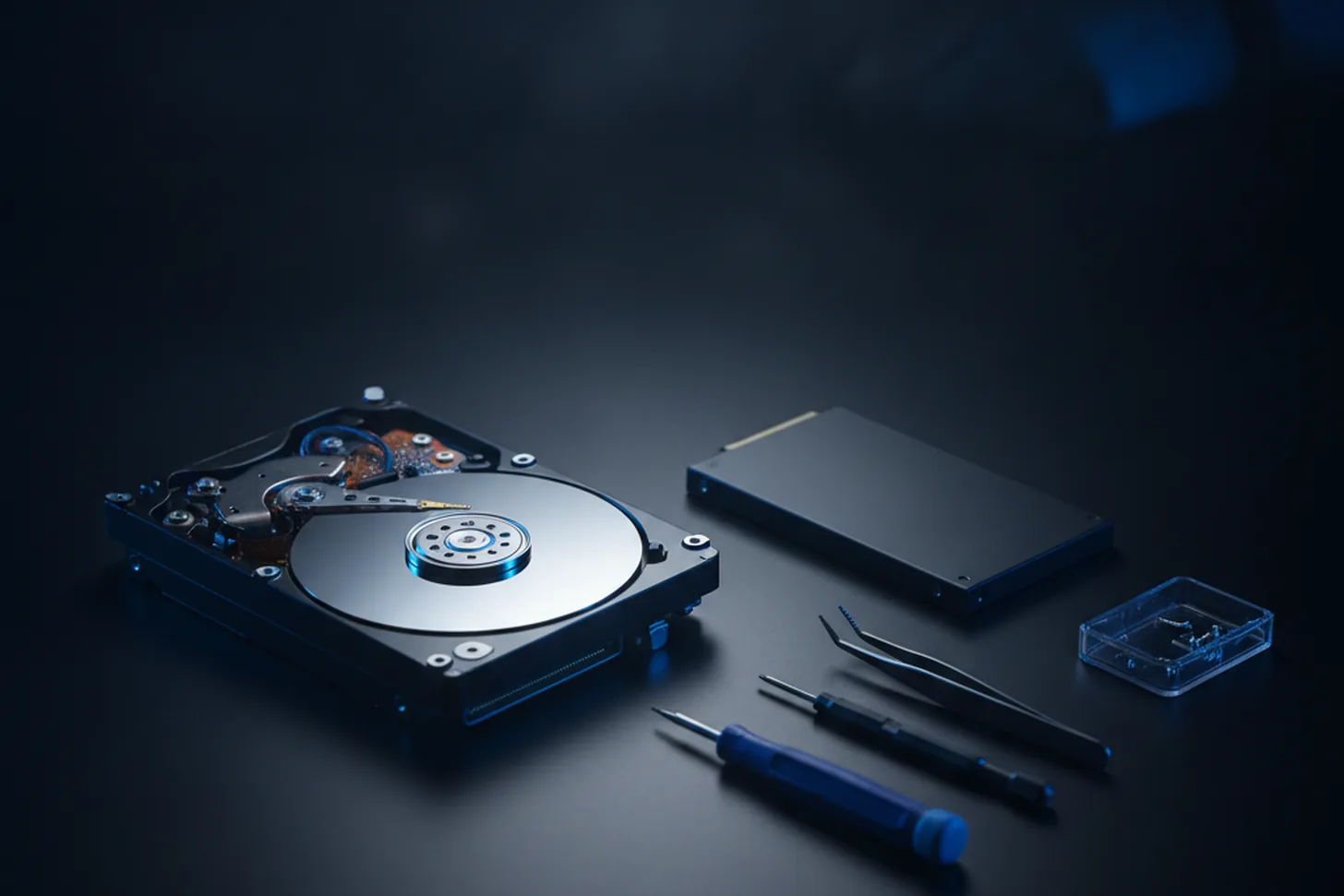
If there's one upgrade that transforms an older computer, it's swapping a traditional hard drive (HDD) for a solid-state drive (SSD). No moving parts, far faster, and surprisingly affordable. Here's how to tell you'd benefit.
1. It takes ages to start up
If you've time to make a cup of tea while your PC boots, a mechanical hard drive is usually the culprit. An SSD typically gets you to the desktop in seconds.
2. Programs are slow to open
Waiting for your browser, Office or photo apps to load? That lag is your drive struggling to keep up. An SSD reads data many times faster.
3. You can hear it working
Clicking, whirring or grinding noises mean a mechanical drive — and sometimes a drive that's beginning to fail. That's a good moment to upgrade and protect your data.
4. Everything grinds to a halt with a few things open
If opening a handful of tabs or apps brings the whole machine to its knees, a slow drive is often part of the problem (alongside RAM).
5. The machine is more than 4–5 years old
Plenty of older laptops and desktops are perfectly capable once they've got an SSD — it's the cheapest way to make an ageing computer feel new again.
What's involved
I can fit an SSD, move your Windows installation and files across so everything looks exactly as it did, and have it back to you quickly. Ask about an SSD upgrade and I'll recommend the right size for you.
Need a hand with this?
I'm based in Newtownards and cover North Down & the Ards Peninsula — with a clear, fixed quote before any work begins.
Book a Repair Get in Touch