
A laptop that runs hot, throttles, or whirs like a hairdryer is one of the most common things I see — and it's usually fixable. Here's what's going on.
Why laptops overheat
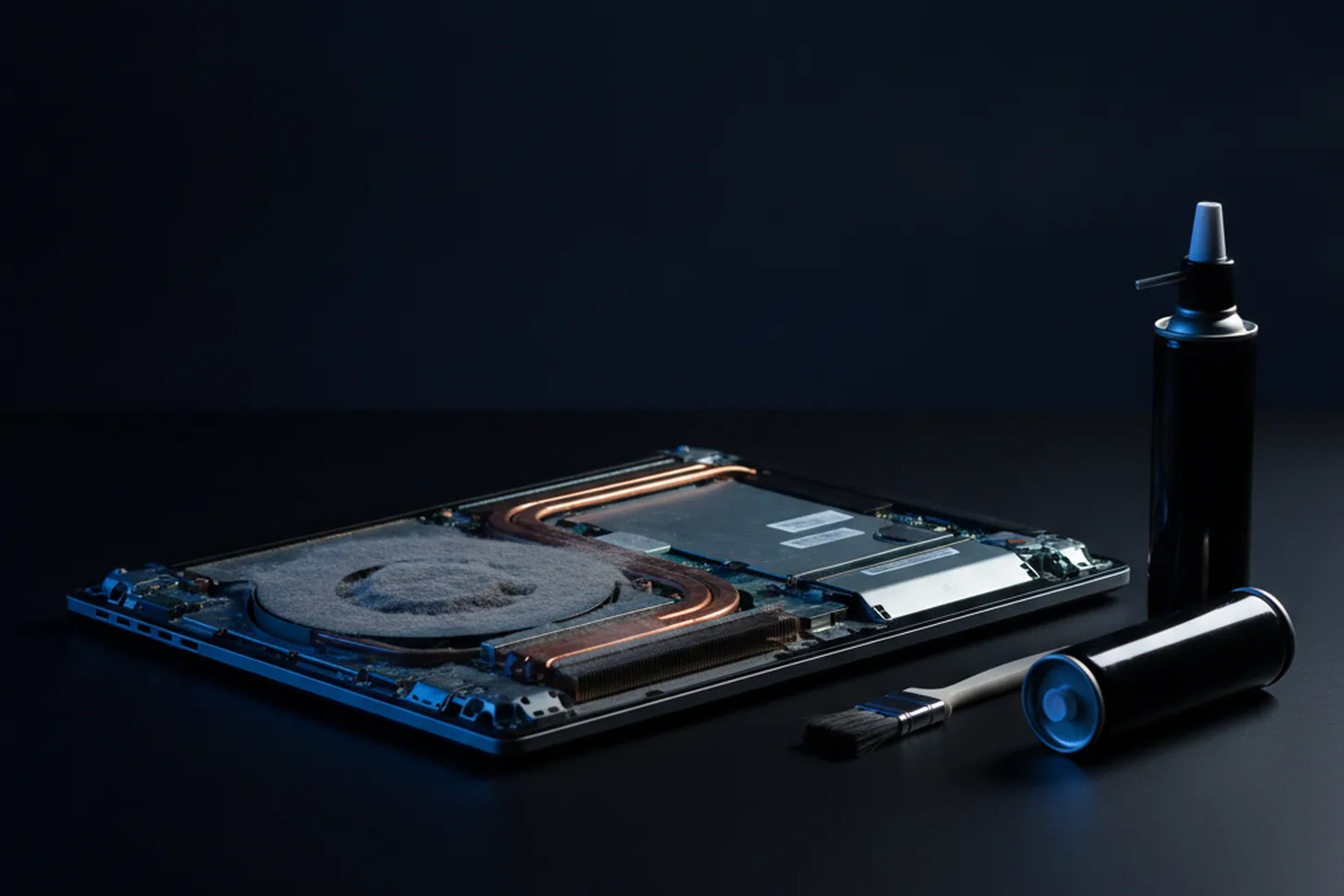
- Dust — over time, fans and vents clog up with dust and fluff, choking the airflow.
- Dried-out thermal paste — the paste between the processor and its cooler dries with age and stops doing its job.
- A failing fan — worn bearings make noise and move less air.
- Blocked vents — using a laptop on a bed, sofa or cushion blocks the airflow.
- Software working overtime — background processes or malware can run the hardware hard.
Why it matters
Heat is the enemy of electronics. A consistently hot laptop will slow itself down to cope (you'll notice the lag), and over time the extra stress shortens the life of the components. Catching it early is worth it.
What you can try yourself
Use the laptop on a hard, flat surface, keep the vents clear, and shut down programs you're not using. That helps — but if it's still hot or loud, it usually needs opening up.
The professional fix
A proper strip-down, clean and fresh thermal paste (and a new fan if needed) makes a dramatic difference — quieter, cooler and faster. It's a quick job and far cheaper than a replacement — see the laptop repair service for typical prices. Book it in and I'll sort it.
Need a hand with this?
I'm based in Newtownards and cover North Down & the Ards Peninsula — with a clear, fixed quote before any work begins.
Book a Repair Get in Touch